Quick answer
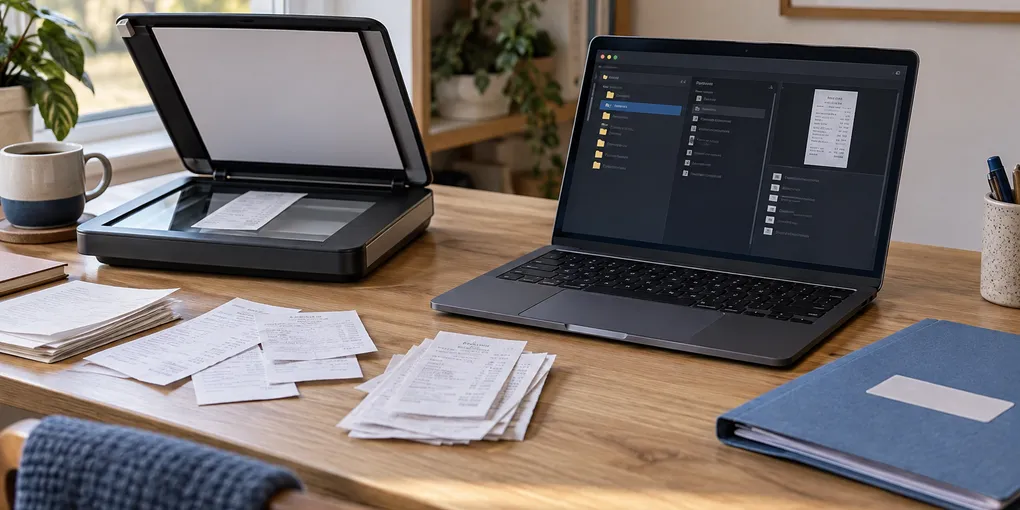
Scan one receipt as a test, save the untouched image or PDF, add a searchable OCR copy locally, and rename it only after checking the merchant, date and total against the paper. Keep the original when a receipt supports a return, warranty, tax record or reimbursement.
A receipt archive becomes useful when you can answer “which receipt was that?” without searching a camera roll or a paper drawer. On Linux, a durable local workflow is simple: capture a readable image or PDF, preserve it, add OCR for searching, give it a predictable name, and verify the fields that matter.
This guide is for household receipts, invoices and warranty paperwork. It does not turn OCR into accounting evidence. A text layer can help you find a document, but the image is the record to check when a merchant, date, amount or tax value matters.
Choose the smallest workflow that fits
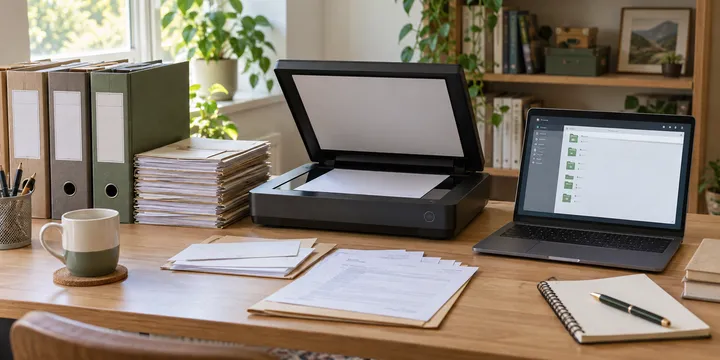
For a few receipts, use a desktop scanner or phone capture and run a local OCR tool on the resulting files. For batches, a SANE-compatible scanner and a tool such as ScanMole can combine scanning, cropping, OCR and searchable PDF output. ScanMole describes support for receipts and archival paperwork, including automatic paper-edge detection and PDF/A output.
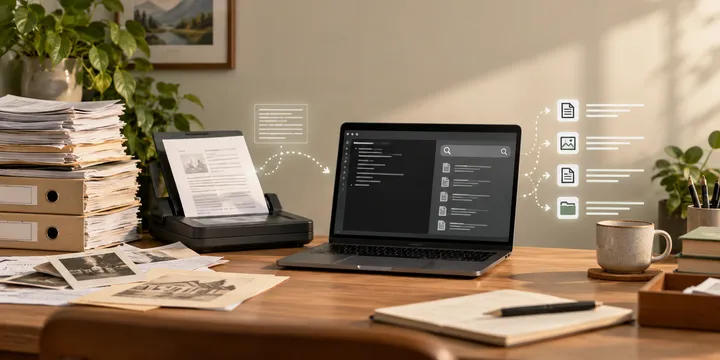
Some receipt-focused utilities extract merchant, date, totals and line items from existing OCR or images. That can be useful for a spreadsheet, but extracted fields are suggestions until you compare them with the receipt. A local browser tool can also keep OCR in the browser, but “local” still depends on where files are stored and whether you later export them to a cloud service.
Make a test receipt first
Create a private intake folder and start with one receipt that represents the difficult cases in your pile: narrow thermal paper, a faded total, a long item list or a two-sided document. Do not begin by processing every receipt.
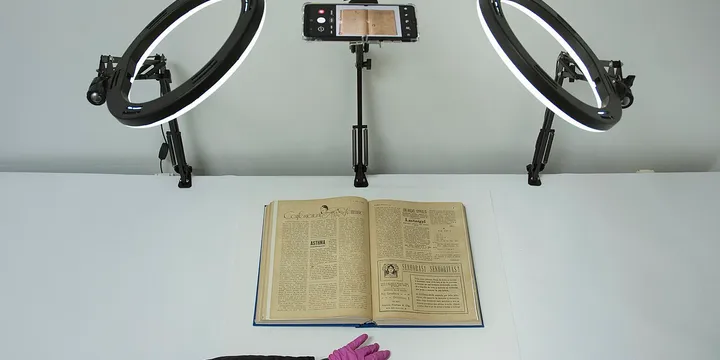
mkdir -p ~/Documents/receipts/inbox ~/Documents/receipts/archiveFor a scanner, choose a setting that leaves the smallest print readable. A clean receipt may work in grayscale, while a coloured stamp or faint thermal line may need colour. Keep the paper flat, remove glare and capture the complete edges. If a phone is easier, the related phone document scanning guide covers framing and page review.
Save the first capture with an intake name such as 2026-09-26-receipt-test-original.jpg. Do not call it final yet. Open it at a useful zoom and confirm that the merchant, date and total can be read before involving OCR.
Add searchable text without replacing the source
For a scanned PDF, OCRmyPDF can add a text layer using Tesseract. Keep separate input and output paths:
ocrmypdf -l eng \
  ~/Documents/receipts/inbox/2026-09-26-receipt-test-original.pdf \
  ~/Documents/receipts/inbox/2026-09-26-receipt-test-searchable.pdf
The exact language code depends on the Tesseract data installed on your distribution. Check the current OCRmyPDF and Tesseract instructions rather than copying package names from another Linux release. If a tool reports that a text layer already exists, read its current options before forcing another OCR pass.
Receipt OCR is especially vulnerable to mistakes in decimal separators, currency symbols, zeros, ones and dates. Use the searchable copy to find the document or copy a candidate value; then compare that value with the image. Never let an automatically extracted total silently become the amount in your budget or tax record.
Rename only after checking the important fields
Use a stable filename that helps both people and search tools. A practical pattern is:
YYYY-MM-DD_merchant_amount_category_version.pdfFor example: 2026-09-26_harbor-hardware_42-80_tools_ocr.pdf. Avoid putting a full card number, loyalty identifier or unnecessary personal detail in filenames. If the receipt belongs to a warranty, store the product or project in a separate folder or note rather than exposing more information than needed.
Before moving the file from inbox to archive, check:
- The image includes the whole receipt and is not upside down.
- The merchant and purchase date match the paper.
- The total, tax and currency are visually confirmed.
- The searchable copy has the expected page count and a few useful search terms.
- The original capture is retained beside, or clearly linked to, the OCR copy.
If the receipt is important, keep both ...-original and ...-ocr versions. A separate offline document archive on Linux can provide the wider folder and backup structure.
Handle batches as a review queue
Do not treat a successful command as proof that every receipt was recognized. Process a small batch, then sample receipts from the beginning, middle and end. Look for blank pages, clipped edges, duplicate scans and suspiciously short text. A long batch workflow should leave a log of its input, output, language and any files that need manual review.
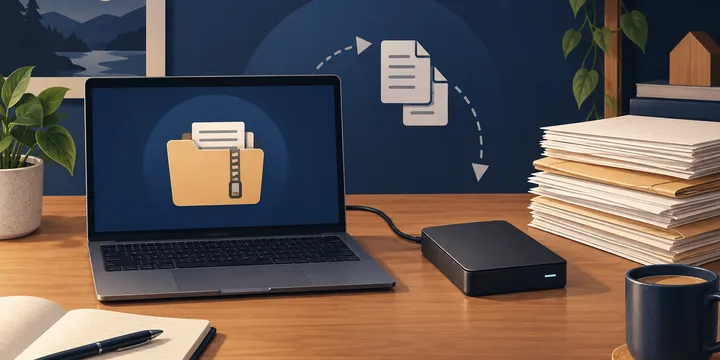
Receipts fade, especially thermal paper. A local digital copy protects against that physical change, but only if the copy is readable and backed up. Store sensitive financial documents with the same care as the rest of your household archive; local processing reduces unnecessary uploads but does not remove the need for account security, encryption and controlled backups.
Know when OCR is not enough
Handwriting, glare, creases, tiny print and dense tables can defeat otherwise good OCR. If a number affects a reimbursement, return deadline, warranty claim or tax filing, read the image character by character. If the paper is legally significant, follow the retention rules that apply to your situation and keep the physical document when required.
The useful promise of a Linux receipt archive is modest: faster retrieval, clearer filenames and less manual searching. Capture carefully, preserve the original, OCR a copy, verify the fields that matter, and only then file it. That routine is more dependable than trusting a perfect-looking extracted total.
Sources
Frequently Asked Questions
Can I keep receipt OCR completely local on Linux?
Yes, if the scanner, OCR engine and archive all run on your computer. Check each tool's current documentation and avoid sending sensitive receipt images to a service unless you understand its retention and privacy terms.
Should I delete the receipt after OCR?
Not when it supports a return, warranty, tax deduction, reimbursement or financial record. Treat OCR as a searchable copy and keep the original scan, with a backup appropriate to the sensitivity of the documents.
Why did OCR get the total or date wrong?
Small thermal print, folds, glare, faded ink and unusual layouts are difficult for OCR. Compare every amount, date, merchant and reference number with the receipt image before relying on extracted text.