Quick answer
Start with a dated, predictable folder structure on a Linux disk, keep original scans unchanged, add OCR copies or a local document manager only when you need search, and maintain a separate tested backup. An offline archive is not automatically a backup: recovery depends on having another copy and checking that it can be read.
An offline document archive is a small household system, not just a pile of scanned PDFs. The useful version has three properties: you can find a record months later, the original file remains intact, and another person can understand how to restore it if your main computer fails.
The safest starting point on Linux is deliberately boring: a predictable folder tree, descriptive filenames, a separate backup, and a short recovery note. Add OCR or a local document manager after that foundation works. This guide covers a private archive for bills, warranties, identity records, receipts, manuals, and similar household documents. It does not replace legal or tax retention advice for your jurisdiction.
Decide what “offline” means
Offline can mean that the files are stored locally, that searching works without the internet, or that the whole application stack can be restored without downloading anything. Decide which promise you need before installing software.
For most households, local files plus a local search tool are enough. A web application such as Paperless-ngx can add OCR, tags, and full-text search, but it also introduces a database, background services, credentials, and more backup surfaces. A plain folder archive is less convenient but easier to inspect with ordinary Linux tools.
1. Create a stable folder structure
Choose one root directory on a local, encrypted disk. Avoid putting personal names or account numbers in the root path. For example:
Documents/Household-Archive/
├── 00-inbox/
├── 10-identity-and-household/
├── 20-finance-and-tax/
├── 30-home-and-utilities/
├── 40-health-and-insurance/
├── 50-purchases-and-warranties/
├── 60-vehicles-and-travel/
├── 70-manuals-and-guides/
└── 99-archive-notes/
The numbered folders keep the important categories in a stable order. Put new scans in 00-inbox until they are named, checked, and filed. Do not use a folder called “misc” as a permanent solution; if a document does not fit, improve the categories or record why it is exceptional in 99-archive-notes.
2. Name files so the folder remains searchable
Use a consistent pattern such as:
YYYY-MM-DD_organization_subject_document-type.pdfFor example, 2026-09-22_Northwind-Energy_electricity-bill_2026-08.pdf is more useful than scan0047.pdf. Keep names short enough to work comfortably in a terminal, use hyphens or underscores instead of ambiguous punctuation, and never overwrite a file merely because a scanner generated the same name. If a document is revised, include a version or date.
Keep the original scan. If you rotate pages, improve contrast, or run OCR, save the processed result beside it or in a documented derivative folder. The original is your reference if an automated conversion introduces an error.
3. Import and check each document
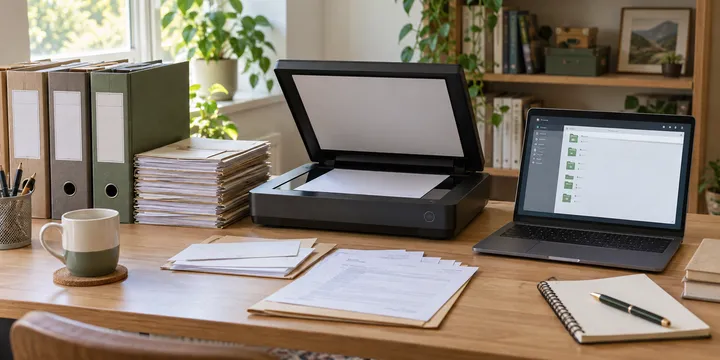
Move new scans into 00-inbox, then perform this small review:
- Open the file and check that every page is present and readable.
- Confirm the date, organization, subject, and document type.
- Rename it using the archive pattern.
- Place it in exactly one category folder.
- Add a note when the paper original is retained elsewhere or when a record has a defined destruction date.
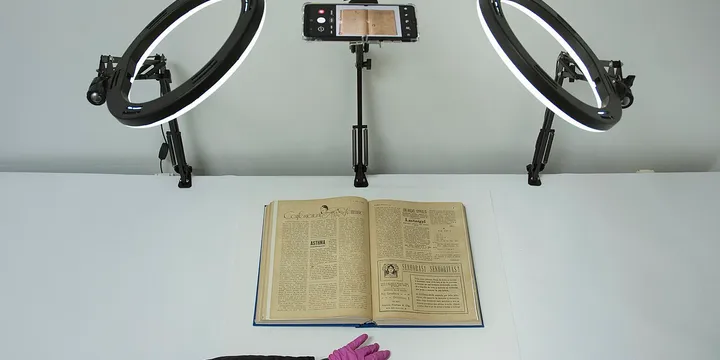
For paper scanning, how to scan a document with your phone explains a practical capture workflow. A phone scan is not automatically trustworthy: check edges, orientation, legibility, and whether a multi-page document was actually captured as one file.
4. Add OCR only when it solves a real problem
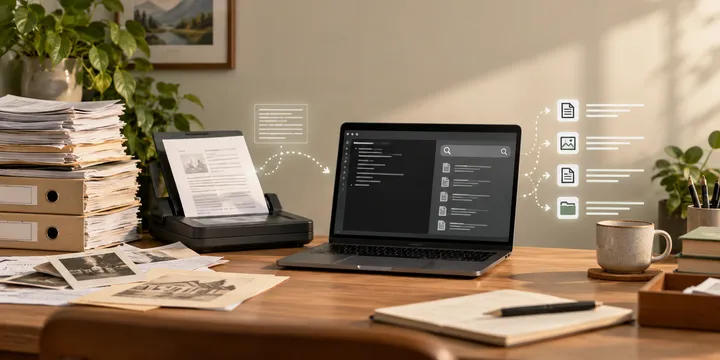
OCR makes image-only scans searchable, but it can misread names, dates, totals, and account numbers. Treat OCR text as an index, not as a replacement for the original page. Search hits should lead you back to the scanned page for confirmation.
For a small archive, a local OCR command-line tool can be enough. For a larger one, a self-hosted document manager such as Paperless-ngx may provide a better interface. Read its current installation and storage documentation before committing: a local web app is still a multi-service application, and “offline” does not mean “no maintenance.” Keep its database and media directories in the backup plan, not just the visible upload folder.
5. Keep the archive and backup separate
The archive is the working copy. The backup is an additional copy that is not continuously exposed to the same failure. A second directory on the same disk helps with accidental deletion but does not protect against disk failure, theft, or ransomware.
At minimum, keep one additional copy on a separate drive and update it on a schedule you can actually follow. The 3-2-1 backup rule is a useful way to think about this: multiple copies, different media, and at least one copy away from the primary computer. Encrypt the backup if it contains identity, health, financial, or insurance records.
Packaging a folder with tar can make copying easier. The GNU tar manual documents the archive and extraction options used here:
tar --create --file household-archive-2026-09-22.tar --directory "$HOME/Documents" Household-ArchiveBefore extracting an archive you did not create or inspect, list its contents first. A tar file is a container, not a recovery strategy. If you prefer versioned, encrypted backups, BorgBackup’s create documentation describes a repository-based approach; choose a tool whose documentation you understand and record the repository location and key-handling procedure in your private archive notes.
6. Test recovery while the archive is still small
Once a quarter, restore a few files into a temporary directory. Check that PDFs open, filenames survived, OCR search still works if you use it, and the backup is readable on a second Linux account or spare machine. Do not test by overwriting the live archive.
Write a one-page handover note in 99-archive-notes/ containing the root location, naming pattern, backup schedule, encryption-key location, software used for OCR or search, and the exact recovery order. Do not put a password or recovery key in an unencrypted note. The purpose is to make the procedure understandable, not to create a new secret leak.
Plain folders or a local document manager?
Choose plain folders when the archive is small, several people may need to recover it, or you want the fewest moving parts. Choose a local document manager when you have enough documents that filenames and folders are no longer enough, and you are willing to back up its database, media, configuration, and credentials together.
Do not install a DMS merely because it sounds more complete. Start with ten representative documents, test import, search, export, and restore, and only then migrate more records. If the tool disappears, the original PDFs should still be understandable outside it.
A safe finish line
Your first offline archive is ready when a household member can find a recent bill, identify the original scan, search its text if OCR is enabled, and restore the same file from a separate backup. That test is more valuable than a sophisticated dashboard. Improve the categories gradually, keep the originals, and record decisions that future-you would otherwise have to rediscover.
Frequently Asked Questions
Is a folder of PDFs an archive?
It can be a useful archive if the files have stable names, dates, and categories, but the folder is only one copy. Treat the archive and its backup as separate things, and document how someone else would find and open the records.
Do I need Paperless-ngx for an offline document archive?
No. Plain folders are easier to understand and recover. Paperless-ngx or another local document manager becomes useful when you need OCR, tags, full-text search, and a browser interface, but it adds services and backup responsibilities.
Can I use tar as my only document backup?
Tar can package folders, but it does not by itself provide a second copy, version history, or a tested recovery process. Use it as one packaging option and keep a separate backup medium.
How can I keep an archive private?
Keep it on a device you control, use full-disk encryption where appropriate, restrict file permissions, and avoid putting sensitive scans into a shared cloud folder unless you have deliberately assessed that service.