How to Make a Budget You'll Actually Stick To (10 Steps)
Quick answer
Track what you actually spend for 30 days, sort it into needs, wants and savings, then pick a split like 50/30/20 and automate a fixed transfer to savings on payday. Review the numbers for 5 minutes once a week and adjust them — a budget that gets adjusted is a budget you'll actually keep.
Editorial note: This is general information, not professional advice. Check the linked sources and current local guidance before acting.
Most budgets fail for the same reason: they are built from guesses. “I spend about 300 a month on food” sounds reasonable until you check the actual number — which is often 450. A budget built on a guess gets abandoned in week two, and the guessers go back to just… not knowing.
This guide builds a budget the other way around: real numbers first, then a simple plan you can run on 5 minutes a week. No apps required — a spreadsheet is enough.
1. Find your real numbers: track 30 days
Before you set a single limit, find out what you actually spend.
- Pull your bank statements for the last month (or the last 90 days if you want more detail).
- Copy every transaction into a list: date, description, amount.
- Sort the list into your categories afterward (see step 2). Don’t try to build the perfect category scheme up front — real spending data will tell you what categories you need.
The goal is one honest number per category. If you don’t want to wait a month, use the last 90 days of statements and divide by 3.
2. Sort spending into three buckets
Forget 12 complicated categories at first. Everything goes into one of three:
- Needs — housing, groceries, utilities, transport to work, insurance, minimum debt payments.
- Wants — eating out, streaming, hobbies, clothes beyond basics, the latte. Anything you could stop without losing your home or your health.
- Savings — money moved to savings or extra debt payments.
A purchase is often a mix — delivery pizza is food (need) plus convenience (want). Pick a judgment call and move on; the point is the overall shape, not perfect bookkeeping.
3. Pick a split: the 50/30/20 rule
The most popular structure is the 50/30/20 rule: roughly half of take-home pay to needs, 30% to wants, 20% to savings and debt.
| Bucket | Share | What goes in |
|---|---|---|
| Needs | ~50% | Rent, food, utilities, transport, insurance |
| Wants | ~30% | Eating out, subscriptions, hobbies, fun |
| Savings | ~20% | Emergency fund, retirement, extra debt payments |
If your rent eats more than half of your income, a 50/30/20 split is simply not your life — use what fits (60/25/15, for example). The rule is a starting point, not a law.
4. Build the spreadsheet yourself
The single most-asked budgeting question is how to make a budget in Excel or Google Sheets — and the answer is: make it boring and personal.
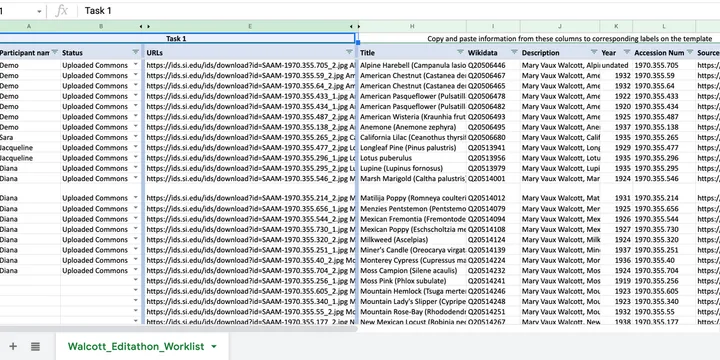
If you are new to the mechanics, the spreadsheet guide walks through reusable columns, formulas, drop-downs and testing; here we keep the example focused on money.
One sheet is enough, with four rows (or four tabs) at the top:
- Income — your take-home pay, per month (use the average if it fluctuates).
- Fixed bills — rent, utilities, insurance, subscriptions. These don’t change.
- Limits — what you plan to spend on groceries, transport, going out this month. These are the numbers you control.
- Savings transfer — the amount that moves to savings every month, right after payday.
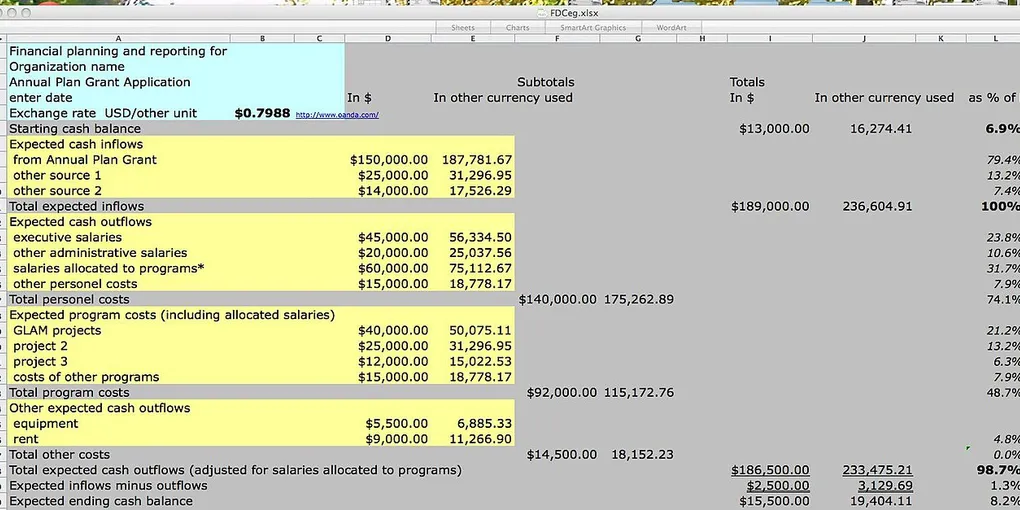
Then record spending in four columns running down the page: date, description, category, amount. At the bottom, a simple =SUM() per category tells you how much of each limit is left. Start from a free budget template if you prefer — any of them works. What makes yours succeed is that you built it, so you understand every line.
5. Set every number before the month starts
On the last day of the month (or payday), fill in the limits for the coming month:
- Fixed bills: copy them in — done.
- Variable spending: set the number from your step-1 tracking, minus something realistic (5–10%, not 40%).
- Fun money: give it a real number. A budget with zero fun fails by the second week.
For your weakest category — the one you always overspend — use physical or mental envelopes: the moment the week’s envelope is empty, you stop. Cash, a separate app or even a sticky note works; the constraint is the point.
6. Pay yourself first: automate savings
Rule: savings transfer happens automatically on payday, the same day the money arrives — before any spending. Even if it’s 50 a month.
- Set up a standing order to a separate savings account.
- Name the account after the goal (“Emergency fund”, “New laptop”).
- Raise the amount by 1 percentage point of your income every few months.
When savings happen automatically, the monthly budget isn’t a test of willpower anymore — it’s just bookkeeping.
7. Automate the bills too
Set fixed bills on autopay so nothing gets a late fee. It also removes ten small decisions a month. Check once a month — during your 5-minute review (step 9) — that the amounts and card numbers are still right.
8. Cut the leaks, not the fun
Once the budget is running, the leaks show up on their own. The three biggest for most people:
- Subscriptions — audit them once. See how to spot the digital subscriptions you no longer use.
- Groceries — the biggest controllable bill in most households. See how to save money on groceries.
- Energy bills — see how to lower your home energy bill.
Cut the leaks before you cut the fun. And keep the fun line intact while you do it — that’s what stops the budget from being abandoned.
9. Review: 5 minutes a week, one day a week
Pick a fixed day (Sunday afternoon works). Open the spreadsheet, and ask three questions:
- Which category went over its limit?
- Was it a one-off or a pattern?
- Does the limit need to change next month?
That’s it. No daily guilt rituals, no judgment, no resetting to zero because you “ruined” the budget. If prices went up, the budget goes up — you adjust the budget, not your self-worth.
10. Plan for irregular expenses — and debt
Two things wreck a new budget:
- Irregular bills — car service, insurance, gifts, holidays. Take the yearly total, divide by 12, and put that amount into savings every month (a “sinking fund”). When the bill arrives, you pay it from there — no budget explosion.
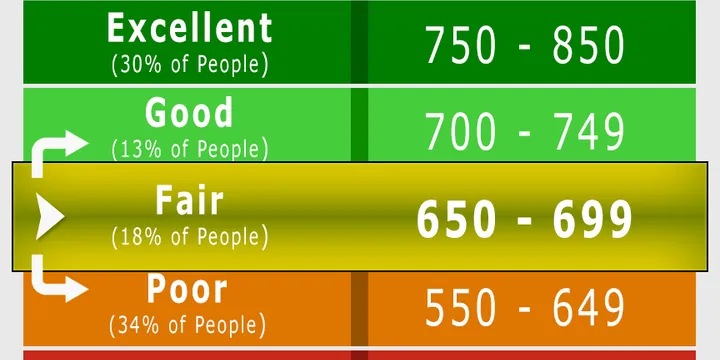
- Carrying card debt — interest quietly eats everything you saved. Pay minimums automatically, then throw every extra cent at the highest-interest balance (with the snowball method if you need quick wins). Paying the balance down also drops your utilization ratio — the fastest lever on your credit score.
Backing onto a savings floor: if you don’t have one yet, build an emergency fund alongside the budget — the same 3–6 months of costs that keeps a surprise bill from becoming a credit-card disaster.
Budgeting with a partner
If you share finances, the budget is a 20-minute joint meeting once a month, not a negotiation. One shared spreadsheet, one shared list of categories, and one shared decision on the savings transfer. Money is the top cause of couple conflict — the cure is boring predictability, and a spreadsheet is great at that.
Quick-win checklist
- This week: extract 30 days of real spending from your bank statements.
- This month: set three numbers — needs, wants, savings split; set the limits in a simple spreadsheet; automate the savings transfer to payday.
- Every week: 5-minute review, same day, three questions.
- Once a quarter: re-check the split. Life changes; the budget changes with it.
If your income side is the problem — rather than the spending side — a raise is the fastest fix: see how to negotiate your salary.
Hero image: Smallbones, CC0, via Wikimedia Commons.
Sources
Frequently Asked Questions
What is the 50/30/20 budget rule?
The 50/30/20 rule splits your after-tax income: 50% for needs (rent, food, utilities, transport, insurance), 30% for wants (eating out, hobbies, subscriptions), and 20% for savings and debt payments. If your rent alone takes most of the 50%, shift the split — like 60/20/20 — so the numbers fit your life.
How much should I save per month?
The common benchmark is 20% of your take-home pay. If that feels impossibly high, start at 10% and raise it by one percentage point every few months. What matters most is that the transfer happens automatically on payday — the amount is secondary.
Can I make a budget in Excel or Google Sheets?
Yes — a spreadsheet is the simplest budgeting tool there is. Make one sheet with your income, fixed bills, category limits and a savings transfer, then record spending in a few columns: date, description, category, amount. Free templates exist for both Excel and Google Sheets, and you don't need to sign up for anything.
How do I stick to a budget?
Automate savings and bills so no willpower is needed, review the numbers once a week for 5 minutes, and give yourself a fixed amount of guilt-free fun money. After the first month, adjust anything that doesn't fit — a budget you edit is one you'll keep.