How to Organize Folders for a Searchable Home Document Archive
Quick answer
Use one archive root with a small number of household categories, a single intake folder, and no more than two or three meaningful levels below it. Name files with an ISO date, document type, organization, and subject; add OCR to scans; keep application configuration outside the archive; and back up the archive before deleting originals.
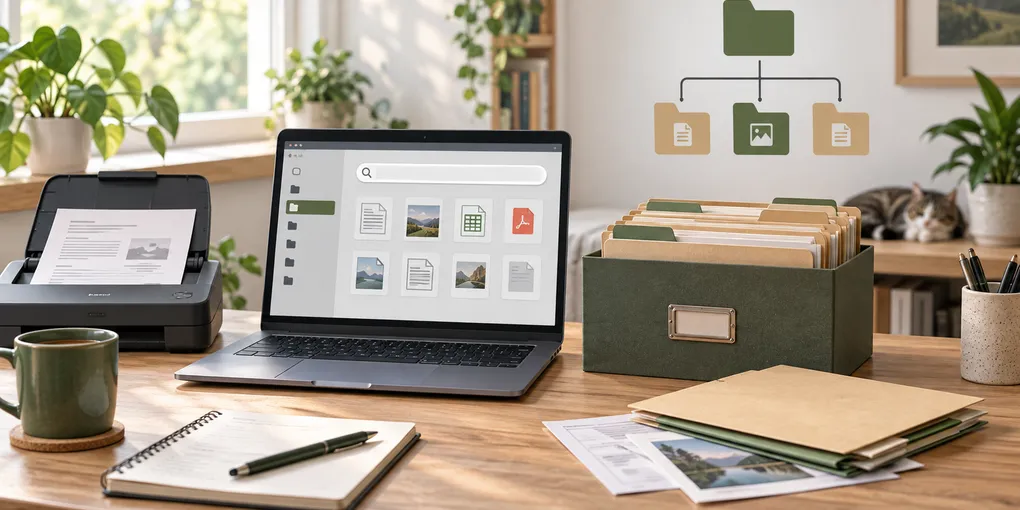
If you want to find a household document months later, the folder tree should answer only one question: where would you look first? A shallow archive rooted in one predictable directory, with stable category names and descriptive filenames, is easier to browse and search than a maze of deeply nested folders.
This Linux-focused system is designed for a household that wants local files, useful full-text search, and a structure that can be backed up or moved without depending on one application. It is a starting convention, not a legal retention schedule. Keep originals when the issuing authority or your circumstances require them.
Start with one archive root and one intake folder
Create one location for records, separate from Linux’s hidden application data. For example:
~/Household-Archive/
├── 00-Inbox/
├── 01-Identity/
├── 02-Home-and-Utilities/
├── 03-Finance-and-Tax/
├── 04-Insurance/
├── 05-Health/
├── 06-Vehicles/
├── 07-Work-and-Education/
├── 08-Purchases-and-Warranties/
├── 09-Contracts-and-Legal/
└── 99-Archive/
The numbered names keep the order stable in a file manager, but the numbers are optional. Use words your household actually uses. If “Home” is clearer than “Property,” use Home everywhere: on paper, in the folder tree, and in your notes.
00-Inbox is deliberately not a permanent category. Put new downloads, scanner output, and phone transfers there until you decide what each item is. A weekly ten-minute pass is more maintainable than trying to classify every file at the moment it arrives. For each item, decide whether to act on it, keep the paper original, scan and keep it, retain it temporarily, or destroy it. Do not use “miscellaneous” as a final destination.
Keep the hierarchy shallow
Use the first level for the household subject, and add only the next level that helps retrieval. A practical example is:
02-Home-and-Utilities/
├── Lease-or-Mortgage/
├── Repairs-and-Improvements/
├── Utilities/
└── Appliance-Manuals/
Stop there unless a folder has become difficult to browse. A path such as Home/Utilities/Electricity/2026/Provider/Statements/January looks precise, but it forces you to remember a path before search can help. Put the details in the filename instead. This also makes the archive portable: another computer or document manager can work with it without understanding your private folder theory.
Do not place personal records in .config, .cache, or an application’s private database merely because a program offers an import button. The freedesktop XDG Base Directory specification reserves those locations for application configuration, cache, state, and data conventions; your household archive should remain an intentional user-data directory. Read the application’s export and backup documentation before making it the only copy.
Use filenames that sort and search well
Choose one filename pattern and apply it consistently:
YYYY-MM-DD - Document type - Organization - Subject - Status.pdfExamples:
2026-09-12 - Electricity bill - Example Energy - Home.pdf
2026-08-31 - Warranty - Example Appliances - Dishwasher.pdf
2025-04-18 - Lease - Example Landlord - Signed.pdf
Use the date printed on the document when it matters. If you only know the year, use the year rather than inventing a day. Add Signed, Renewal, or Superseded only when the state is meaningful. Never put full account numbers, passwords, identity numbers, or diagnoses in filenames: filenames can appear in search indexes, backup logs, and shared links.
Make scans searchable without losing the original
An image-only scan is visually readable but usually not full-text searchable. OCRmyPDF’s documentation explains that it adds an OCR text layer to scanned PDFs so the recognized text can be searched. A typical local workflow is:
ocrmypdf --deskew --rotate-pages input-scan.pdf searchable-copy.pdfTreat OCR as an accessibility and retrieval aid, not as proof that every word was recognized correctly. Open the output, search for a distinctive name or amount, and compare the result with the image. Keep the incoming scan until you have checked the result; for important records, preserve the original paper as well. Language packs, handwriting, stamps, skew, and poor contrast can all reduce recognition quality.
A 20-minute setup and migration plan
- Create the archive root and
00-Inbox; do not move everything yet. - Choose six to twelve broad categories based on real household questions.
- Copy a small, useful set of current records into the right categories.
- Rename those files using the same date/type/organization/subject pattern.
- OCR a few representative scans and test searches before processing a large backlog.
- Move old material in passes. Archive uncertain items rather than deleting them during the first pass.
- Back up the archive and test opening a few files from the backup.
The offline document archive guide covers the storage and backup decisions behind this layout. If your collection is mostly scans, see how to OCR household documents locally on Linux. A searchable application can sit on top of the folders later; the Paperless-ngx home archive guide discusses that tradeoff.
Check the archive before calling it finished
Use this small decision aid:
| Check | Good sign | Fix if it fails |
|---|---|---|
| New file destination | It goes to 00-Inbox without debate |
Simplify the category list |
| Browse depth | A common record is visible within two or three levels | Move details into filenames |
| Search | A distinctive phrase finds an OCR copy | Re-run OCR or inspect the scan |
| Privacy | No secrets appear in names or previews | Rename and review sharing settings |
| Recovery | A second copy opens on another disk | Repair the backup before deleting |
The goal is not a perfect taxonomy. It is a small set of decisions that still make sense when you are tired, when another household member needs a record, and when the original application is no longer installed.
Frequently Asked Questions
How many folders should a home document archive have?
Start with about six to twelve broad categories that match how you look for records. Add a subfolder only when a category is genuinely crowded; do not create a folder for every company or document type.
Should I organize documents by year or by subject?
Use subject or household purpose for the first level and put the meaningful date in the filename. A year folder can help for large, time-limited collections, but year-first folders make recurring records harder to find by topic.
Does OCR make every scan searchable?
OCR adds a text layer that can be searched, but recognition can be wrong or incomplete. Open a sample, search for a distinctive phrase, and keep the original scan before treating the OCR copy as complete.